Logs
Nisshi 日誌
Nisshi means log book, a day's record.
The journal, made readable.
- Generic name
- Logs
- Command
aizome-nisshi- App ID
org.aizome.Nisshi
Places and search
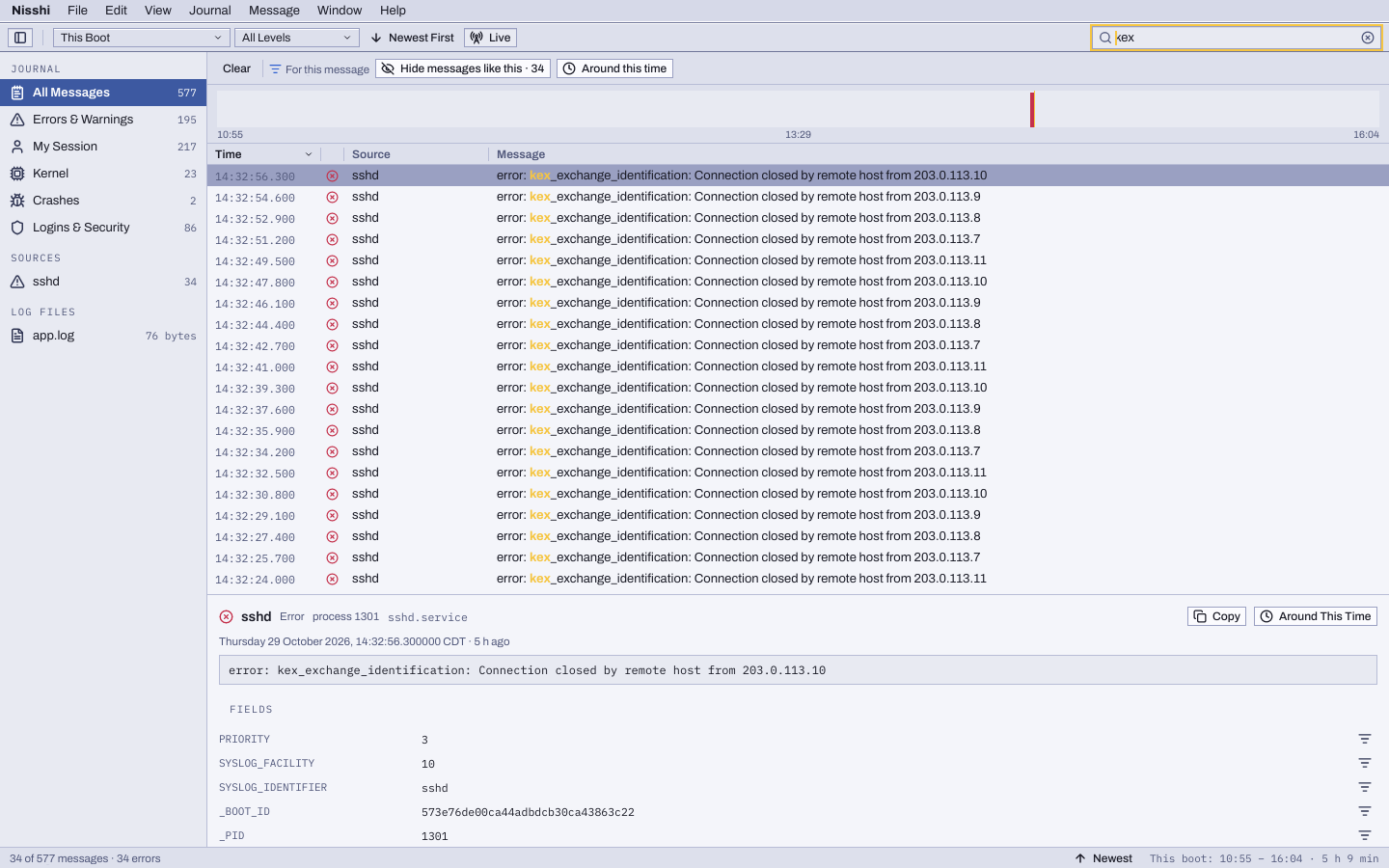
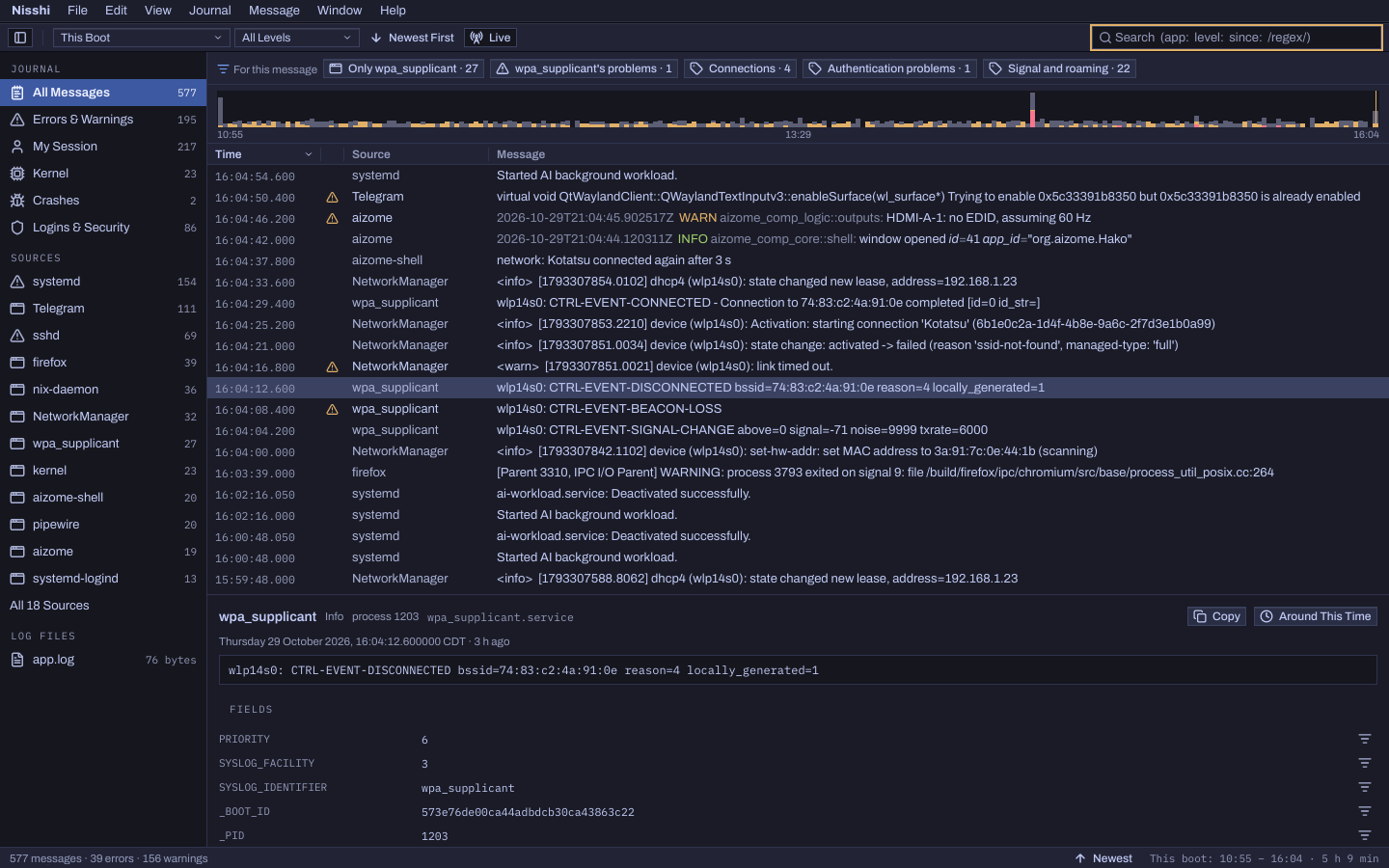
All Messages, Errors & Warnings, My Session, Kernel, Crashes and Logins & Security, each counted; then the sources that wrote the most, and the log files under /var/log. Search as you type with tokens: app:, unit:, pid:, level:, since: and until: (10m, yesterday), /regex/, -word and "a phrase". While a key's value is being typed, the strip offers the values there are.
Suggestions
With nothing selected, the strip says what stands out: errors and who wrote them, failed units, crashes, out-of-memory kills. With a message selected, it offers its source, its problems, the topics Nisshi knows that program writes about (21 kinds of program, from NetworkManager to sshd) and messages like it, to show or hide.
The timeline
Messages over the boot, errors and warnings at the foot of each bar, on a square-root scale so a few errors show beside thousands of messages. Drag across it to see that stretch. Around This Time shows a minute either side of any message.
Live, and yours
New messages arrive as they're written. Programs' colours show in the theme's; launched apps are named after the app, each launch on its own. Your own session's journal is open to you, and Unlock… asks once for an administrator's password to read the system's, until Lock or the window closes.